Zoom in, Zoom Out and Step by Step Buttons on MT4 Commodities Trading Charts
Zoom In
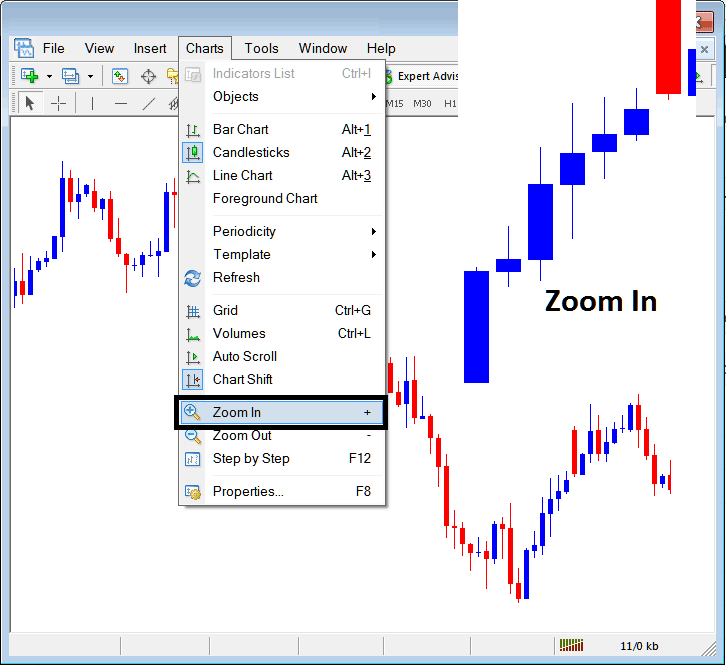
This option is located on the charts menu within the MT4 Platform. This option is used to zoom in the charts as shown below, some traders might choose to magnify a commodity chart & trade when the charts are zoomed in depending on the preference of a commodity trader.
Short Cut Key (+)
Zoom in The Commodities Trading Candlesticks on the MetaTrader 4 Software
Zoom Out
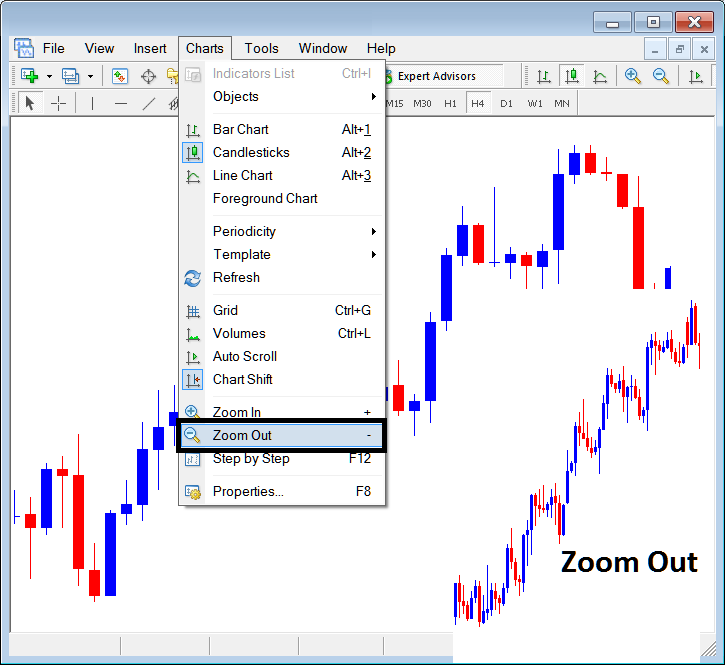
This option is located within the menu as shown below: this option is used to zoom out charts & is used by traders who prefer to trade the chart using minified charts according to their preference. This option is illustrated below.
Short Cut Key (-)
Zoom out the Commodities Trading Candlesticks on MT4
Commodity Trading Step by Step
This option is used to back test commodity trading systems by moving the charts one candlestick at a time and then analyzing when to buy and when to sell commodity based on the commodity trading system being back tested. To know more about this button, Read the article: Back testing a Trading System using MT4 Commodity Trading Step by Step Button Key - its short cut is key is "F12"
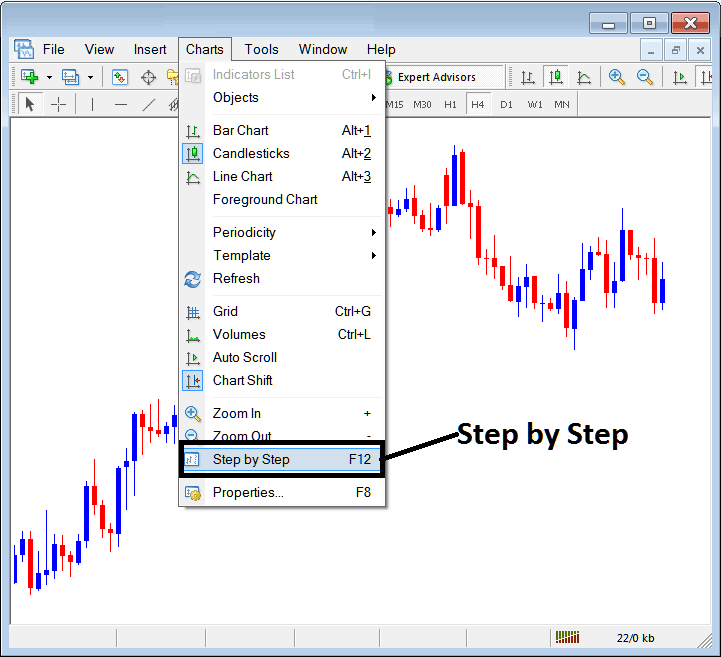
Commodity Step by Step button key for moving Commodities Charts One Candle at a Time




