Placing Arrows on Gold Charts in MetaTrader 5
The arrows button on the MetaTrader 5 under the insert menu options is used to draw arrows on the gold charts within the MetaTrader 5 XAUUSD Platform. The arrow MT5 buttons is shown below.
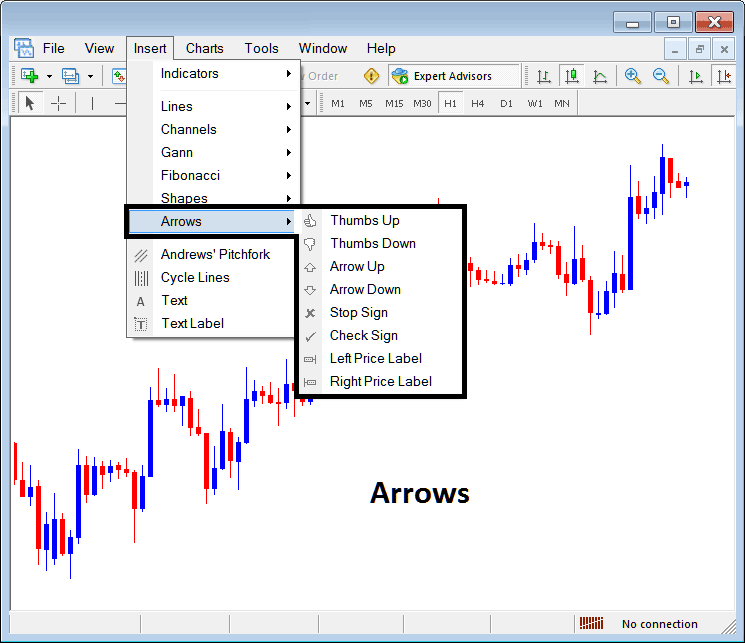
The Following arrows can be plotted on the MetaTrader software under this arrow MT5 button keys option:
- Thumbs Up
- Thumbs Down
- Arrow Up
- Arrow Down
- Stop Sign
- Check Sign
- Left XAUUSD Price Label
- Right XAUUSD Price Label
Thumbs Up and Thumbs Down Arrows
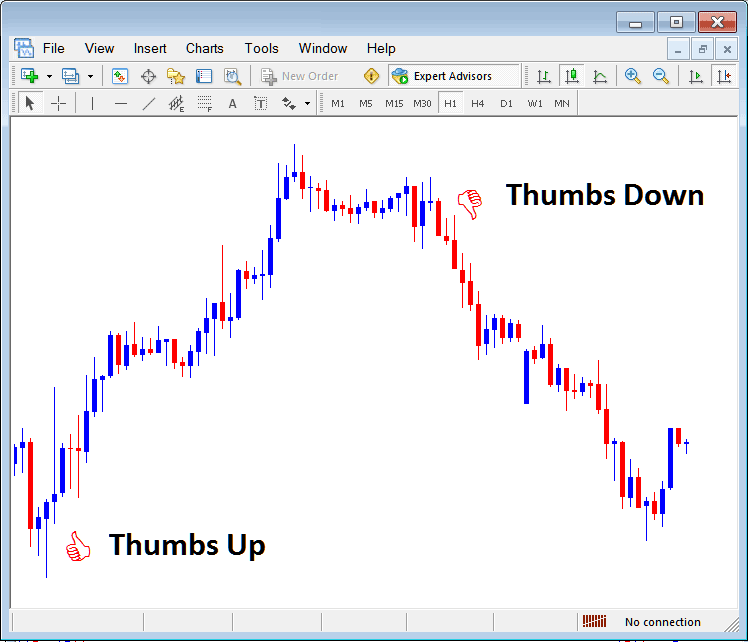
Thumbs up & thumbs down button key can be used on gold price chart to mark levels where traders can open gold trades and show levels where traders can close trade. The thumbs up and thumbs down arrows are shown below. As a trader to adjust the width, right-click on these arrows, choose properties & select a different line width.
Arrow Up and Arrow Down Arrows
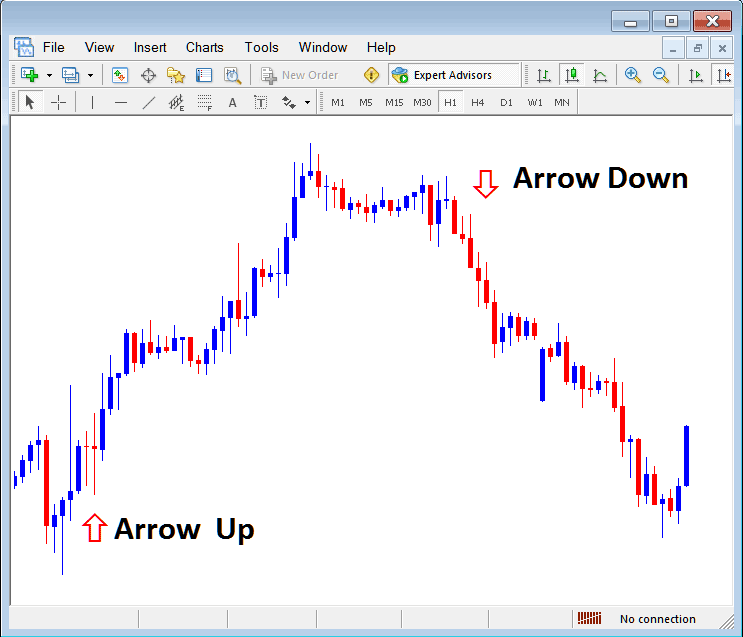
The arrow up & arrow down arrows are used to show the levels where a trader opens a buy xauusd trade or levels where a trader opens a sell xauusd trade, these arrow MT5 buttons are shown below.
Stop Sign & Check Sign
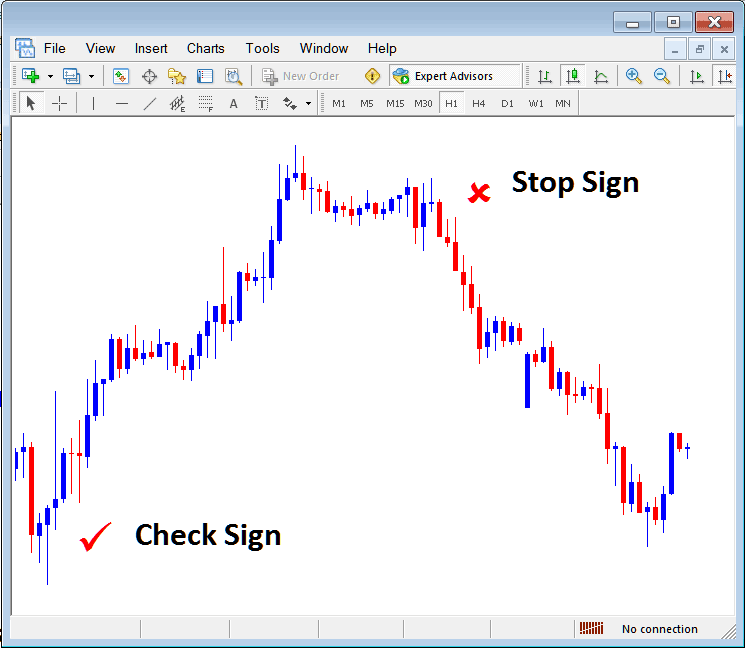
The stop sign & check sign can also be used to mark points where a trader opens & closes a trade, for example the screenshot below shows where a trader opened a buy xauusd trade & closed the trade.
Left Gold Price Label & Right XAUUSD Price Label
The XAUUSD Price labels are used to show gold prices on the specific level that these labels are set, the right gold price label will pop-up to the right side of the gold price while the left side will appear to the left side of the gold price as shown on the gold trading example below.
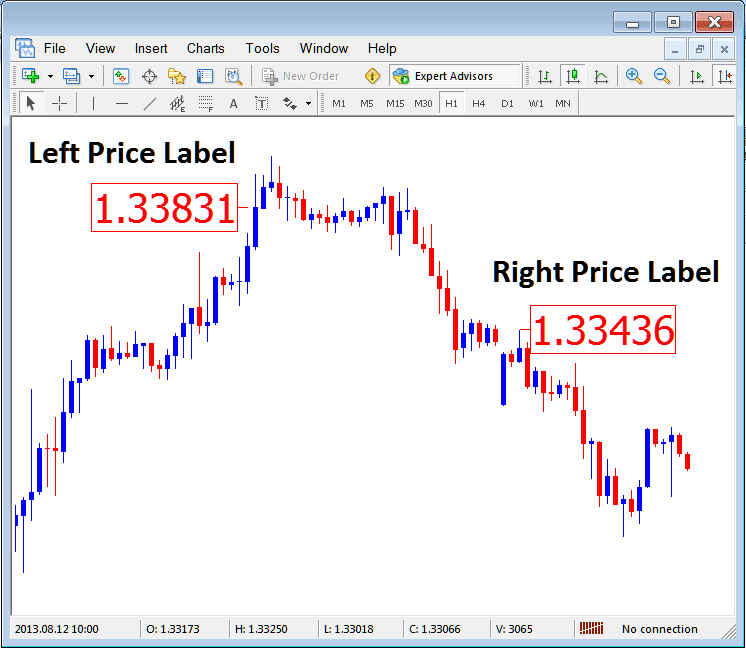
MetaTrader arrow MT5 buttons and gold price labels set on the gold price charts within the MetaTrader 5 XAUUSD Platform.




