How to Use MT5 Strategy Tester Tutorial PDF
The MetaTrader 5 XAUUSD Strategy Tester in the MT5 platform is the environment used to back-test the profitability of an MT5 Automated Gold Expert Advisor which is an Automated Trading Bot & determine profitability of this EA automated xauusd strategy and then Optimize this EA to a point where it is giving good profits from its xauusd automated trading activities.
Note: Before beginning the MT5 XAUUSD Strategy Tester shown below, you must first attach a xauusd Automated Gold EA on a MT5 xauusd chart, by going to the Navigator Window Panel, choosing the xauusd EA and then right click on it and specify the option 'Attach to Chart', once the EA is attached to the MT5 xauusd chart it will appear as it is shown below, Then Right-Click on the Automated Gold Expert Advisor, select properties settings & then select option by Checking/Ticking 'Allow Live Trading' & then continue with the MT5 strategy tester shown below.
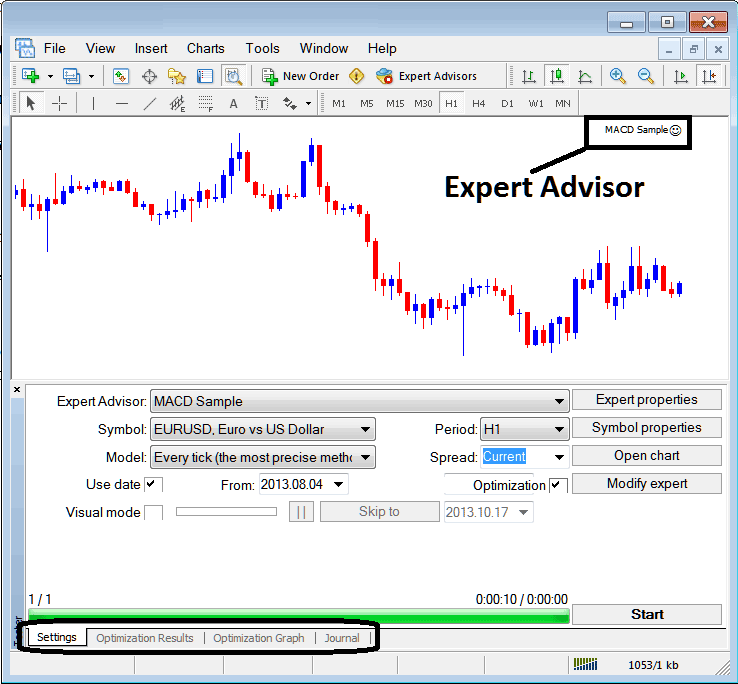
The MetaTrader 5 strategy tester option can be activated from the view menu and it's the second last menu item on View Menu, A short cut is to Press Ctrl+R MetaTrader 5 buttons on your keyboard.
The MT5 strategy Tester has the following Parameters for setting up before testing an Automated Gold EA automated xauusd system & also for optimizing the profitability of this xauusd EA.
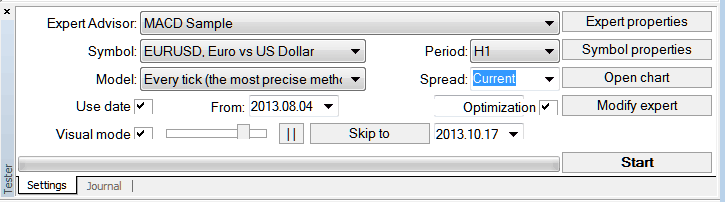
Automated Gold Expert Advisor: Parameter for selecting which xauusd EA you want to test among those installed on your MT5 platform.
Symbol: The xauusd instrument for which you want to test the xauusd Automated Gold EA on
Model: Whether to execute based on tick method, open gold prices or control points
Use Date: Set the date to begin the testing and date to end the testing of the xauusd Automated Gold Expert Advisor
Visual Mode: Select To view the illustration of where this xauusd Expert Advisor opens and closes xauusd trade as testing goes on, there is also a slide bar to increase or decrease speed for this visual mode.
Period: Gold Chart Timeframe for which to use example 1 H XAUUSD Chart
Optimization: Allow Optimization Settings for your Automated Gold EA Automated XAUUSD Robot
For example to test the above xauusd Automated Gold EA on the xauusd trading for profitability, the settings can be setup as displayed and shown above and the MetaTrader platform strategy tester is then run, by taping the 'Start Button'.
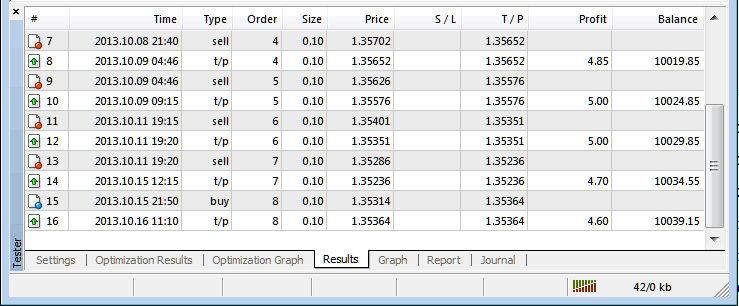
The following trade results are generated & an automated xauusd trader can select to optimize the xauusd EA further by changing the Automated Gold Expert Advisors xauusd settings.
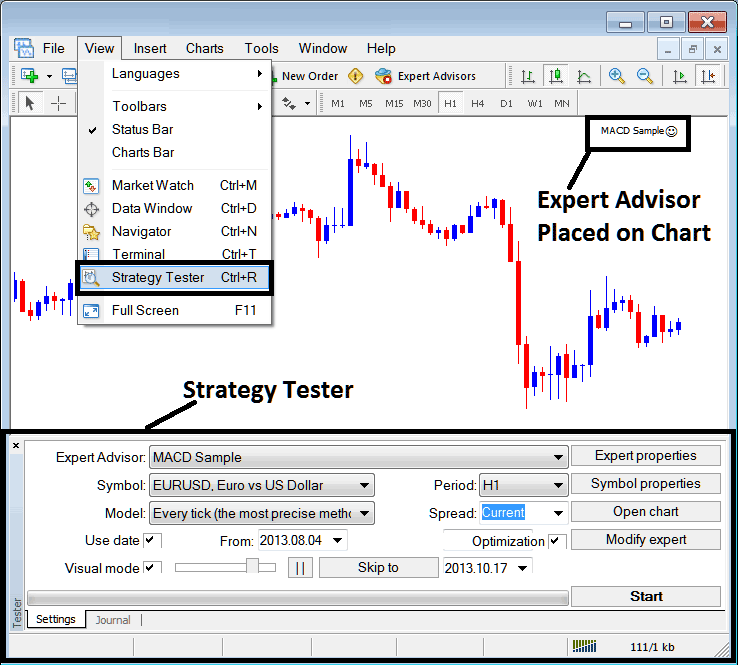
Once the optimization of the xauusd Automated Gold Expert Advisor is complete the status bar will show progress, the above status bar shows the progress that the xauusd EA testing is complete.
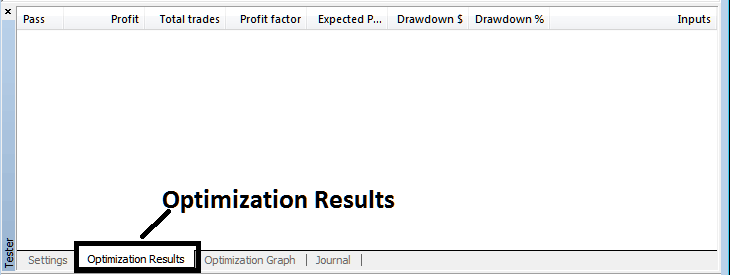
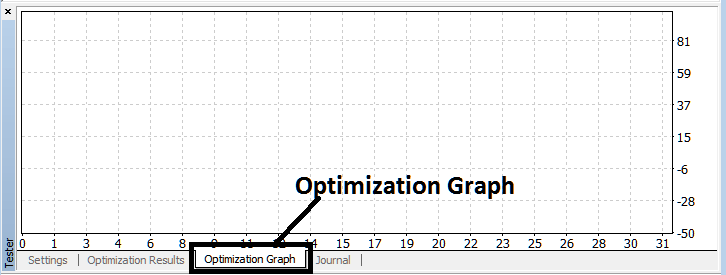
To view click the options high lighted above (Optimization Results, Optimization Graph, Journal)
Before running this MT5 Strategy Tester for Automated Gold Expert Advisor testing you must navigate to the navigator panel, double-click on this xauusd EA to attach it to the gold chart and set the parameters as illustrated and shown below by ticking the options provided below:
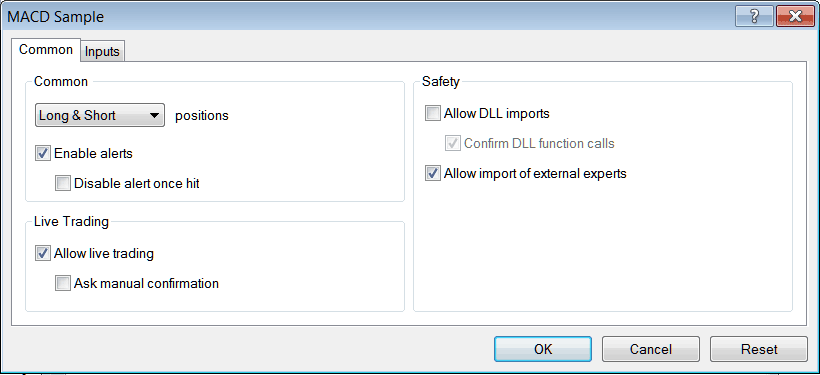
After setting the above settings then you can test your automated xauusd strategy within the MT5 strategy tester.
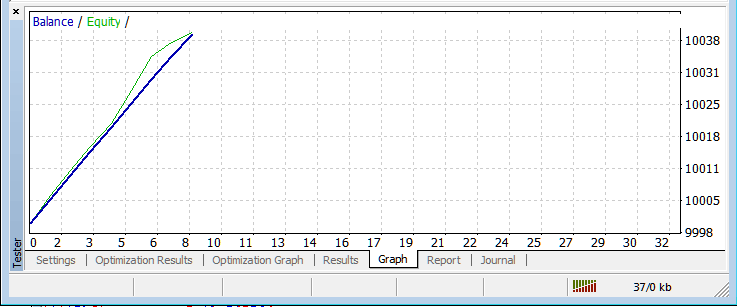
Once you Run your Automated Gold Expert Advisor the Results will be shown on the following windows
MetaTrader 5 Strategy-Tester Optimization Results
MetaTrader 5 Strategies Tester Optimization Graph
MetaTrader 5 Strategy-Tester Balance and Equity Graph
MetaTrader 5 Strategy Tester Tutorial
The above is just a brief introduction to MT5 strategy tester - automated trading with EA XAUUSD Robots is a wide topic that a trader will take some time & research to learn about but the main environment to test & optimize the xauusd Automated Gold EA automated xauusd robot will be the MetaTrader 5 Strategy Tester.
NB: You can only implement an Automated Gold Expert Advisor using data that has been downloaded and saved on your MT5 platform, therefore for the date settings select the dates that you have been trading with your MT5 to get a graph representation of how your automated xauusd EA would trade.




