How to Modify Stop Loss CFDs Order in MT4
First select the open trade you want to modify the Stop Loss CFD Order for.
Once you select open trade - choose modify order button key & the following cfd trade order pop up window will pop-up and as a trader you'll use this trade order popup window to modify the Stop Loss CFD Order Level for your new cfd trade.
This popup includes settings for setting Stop Loss CFD Order Level - type in your new SL stop loss level and Click "Modify" button to modify the Stop Loss CFD Order to your open cfd trade.
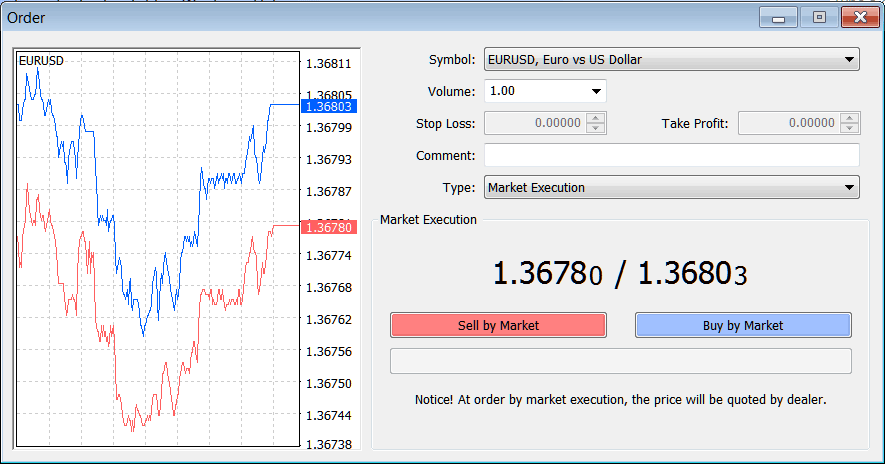
Trading CFD Modify Stop Loss CFDs Order on MT4 Platform? - How to Modify Stop Loss CFDs Order on MetaTrader 4




